Free plan
$0one time
≈40 PDFs to start
100 credits one time
For trying the studio and finishing your first document.
Start my first PDF
No card needed.
From a thought to a finished document
Describe what you need. PaintPDF writes it, lays it out, and turns it into a PDF. A proposal, an invoice, your next big thing.
Describe what you need in Chat. Your PDF preview will appear here as you build it.
A few things you can make
For the work you need to send, share, or print. These are real PaintPDF renders.
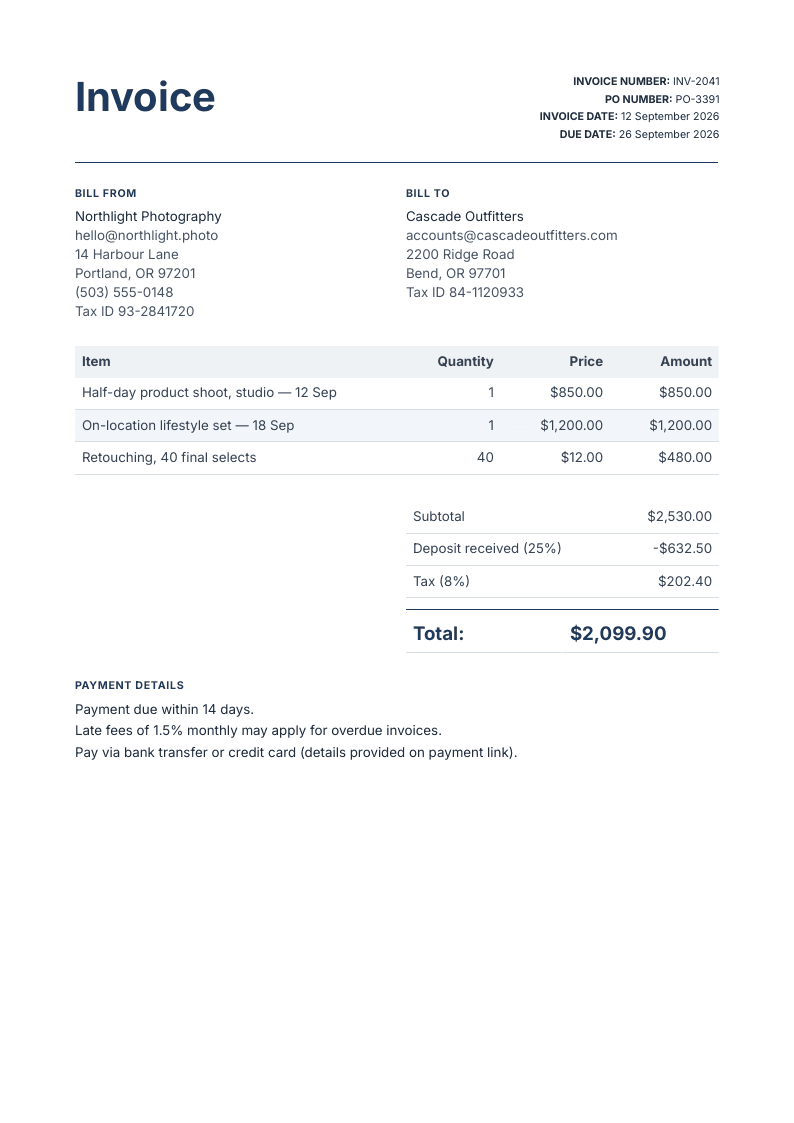
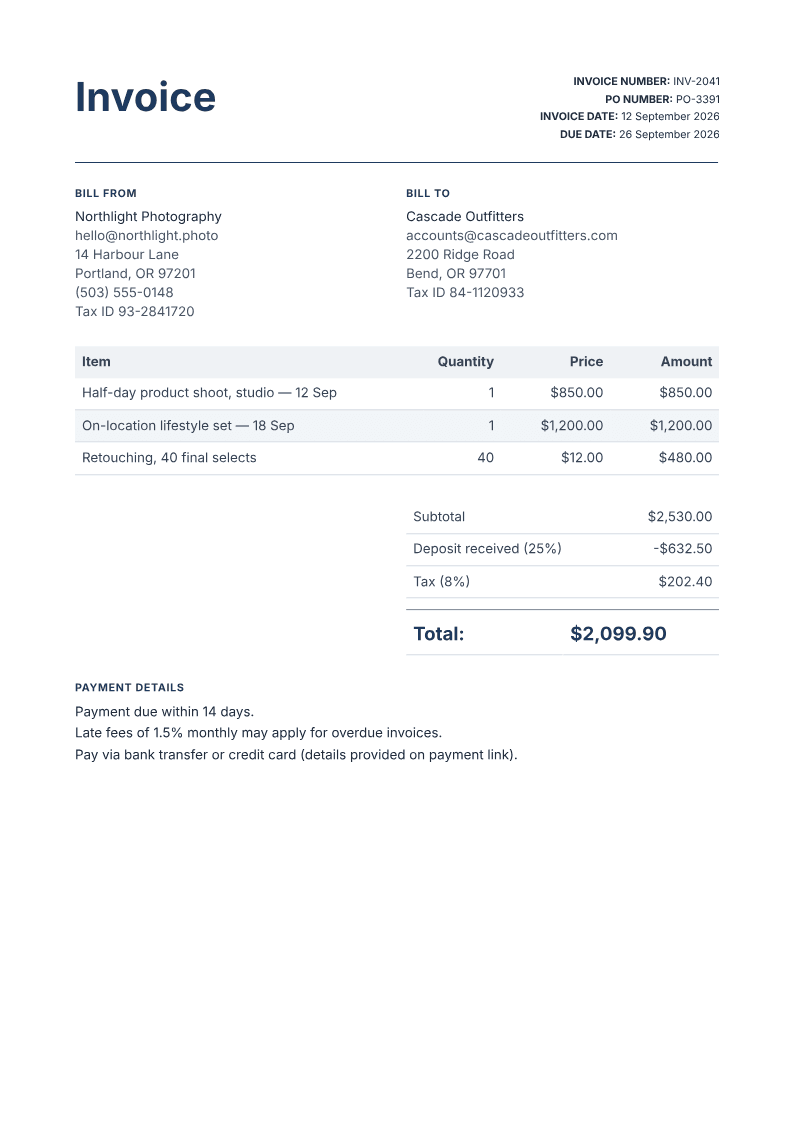
Three shoots. Tax included. Ready to send.
Line items, deposits, and totals, neatly in place.
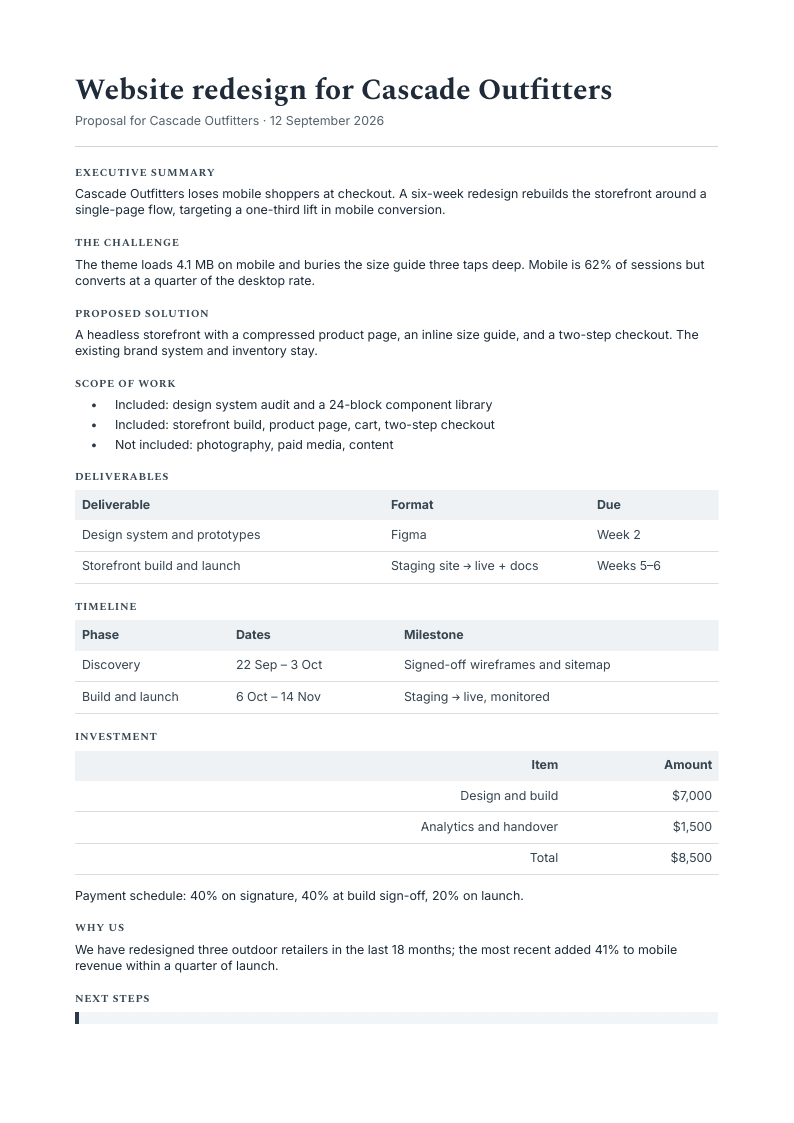
Your next project, on the same page.
Scope, milestones, and pricing in one document.
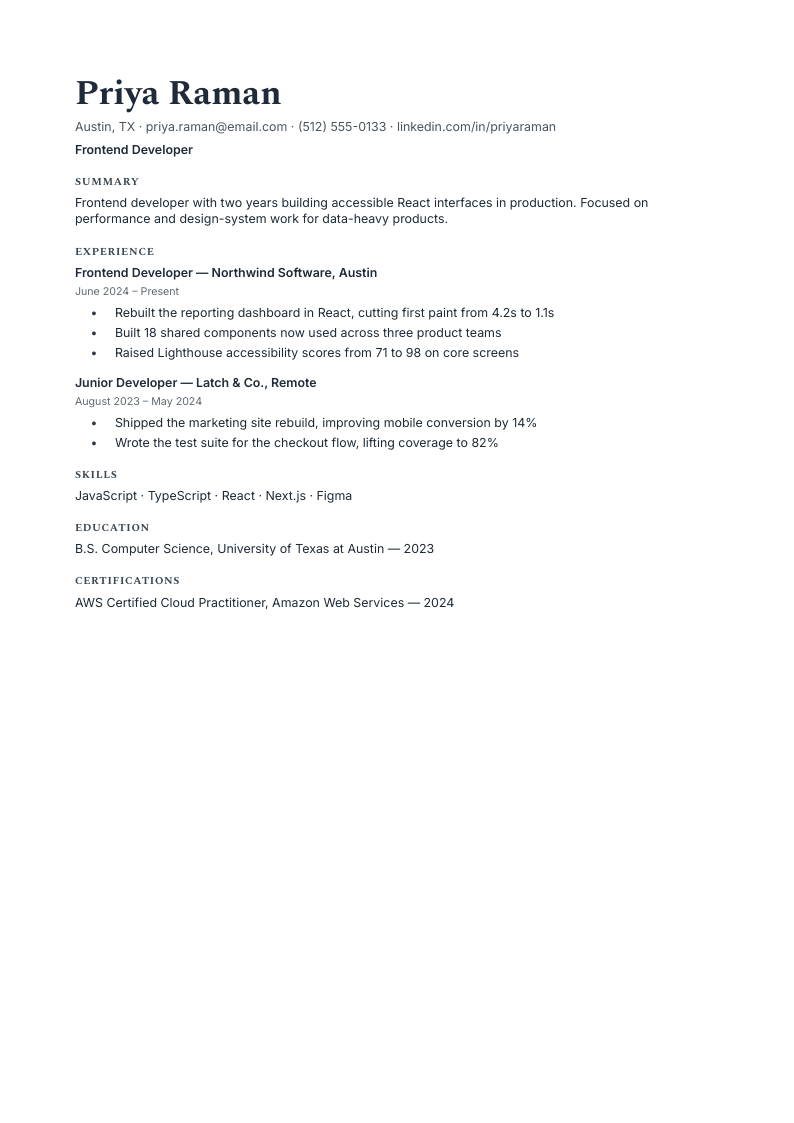
Your experience. A clear first impression.
A readable layout with real, selectable text.
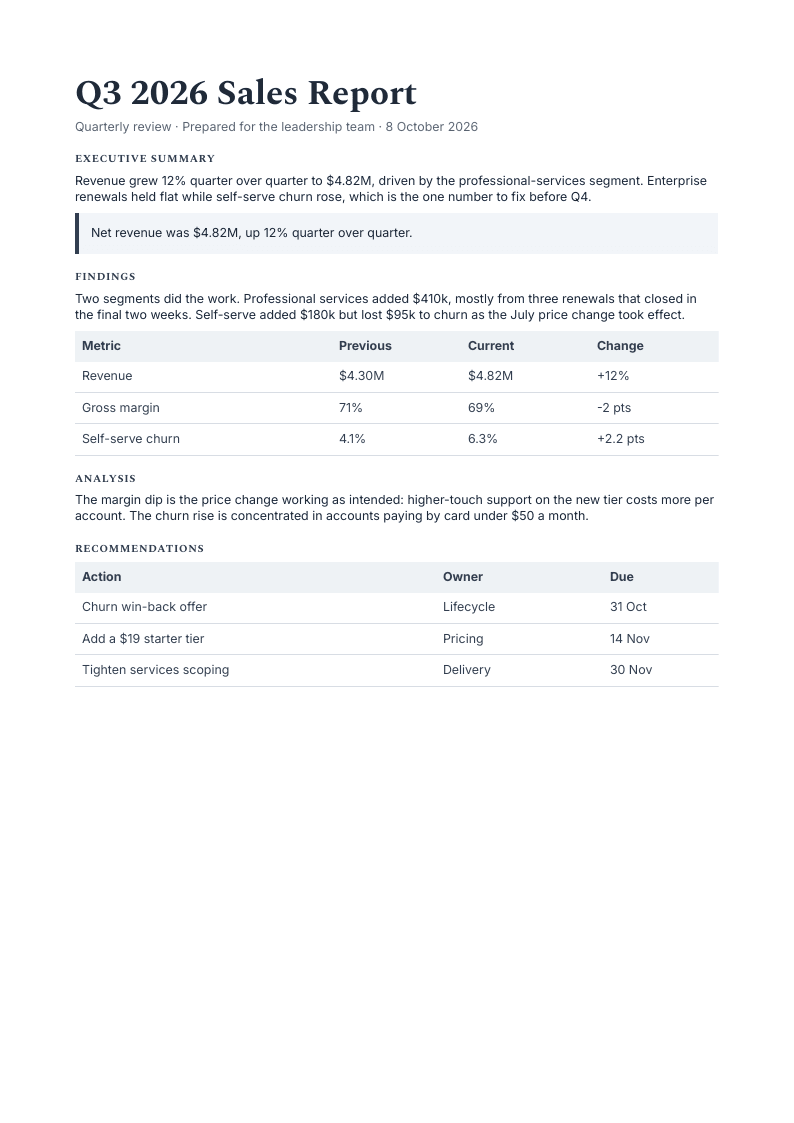
Make the findings easy to follow.
Summaries, tables, and next steps for your team.
The same document, again
Pick a layout, fill in your details, and keep the file so the next one takes a minute.
How fillable templates workTell PaintPDF what you need in plain language. One sentence is enough.
Say what to change; the page re-lays itself as you talk.
Get the finished A4 with fonts embedded, ready to print or send.
Nothing to install. No boxes to drag. It runs in your browser.
More on the AI PDF generator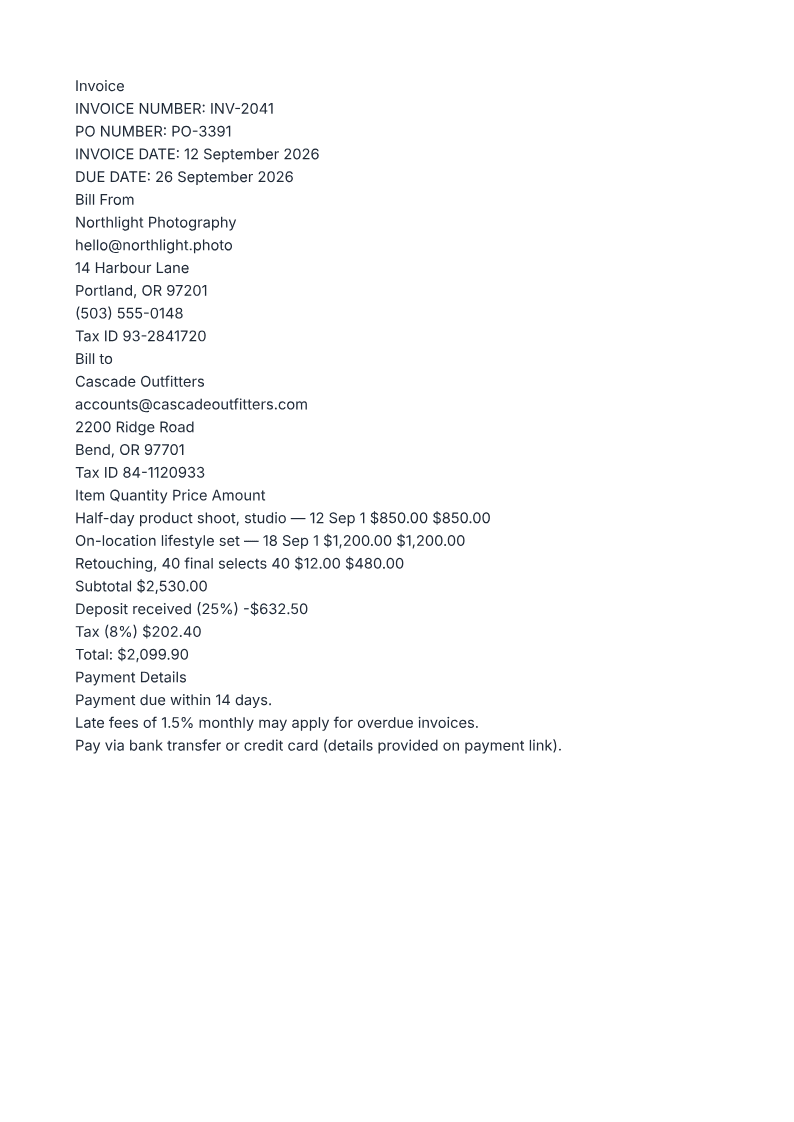
The layout is part of the job
AI chat gives you words. PaintPDF gives them a place on the page. Your preview and downloaded PDF use the same renderer, so there are no surprises at export.
Watch it run
See the workflow in 20 seconds: describe your document, refine it by chat, and export a print-ready PDF.
Illustrative workflow · Sample document
Every plan is the same studio with unlimited exports. Free is a one-time start; paid plans use only their monthly subscription credits.
A typical document uses ≈2 credits; a long report ≈10. Credits are what the AI spends, and exporting your PDFs is always free.
$0one time
≈40 PDFs to start
100 credits one time
For trying the studio and finishing your first document.
No card needed.
$5/ month
≈160 PDFs a month
400 credits a month
For regular invoices, resumes, and reports.
Billed monthly. Cancel anytime.
$15/ month
≈480 PDFs a month
1,200 credits a month
For heavy months and long, multi-page reports.
Billed monthly. Cancel anytime.
Every plan includes
Paid-plan credits reset on the 1st of each month. The one-time free grant never expires and is available only on Free. When credits run out, subscribe, upgrade, or wait for your paid plan's monthly reset. Your documents stay private to your account, and you can cancel anytime.
A browser studio where you describe a document and an AI agent writes it with real headings, tables, and columns, then hands you a print-ready A4 PDF. Every edit you ask for reflows the page live.
From the blog
Compare seven PDF workflows to pick the best AI PDF generator or maker, with primary-source links, downloadable PaintPDF examples and repeatable invoice and report prompts. Untested tools are labeled.
Read the guideLearn when ChatGPT can act as a PDF generator, how tool availability affects the result, and how to fix a ChatGPT PDF generator that is not working.
Read the guideAI can write your invoice, but writing isn't the hard part — laying it out is. Here's what a real invoice needs and how to get one as a printable PDF.
Read the guideLess formatting. More finished.
Describe it. Refine it in chat. Download it print-ready.
Free plan, no card. Unlimited exports.